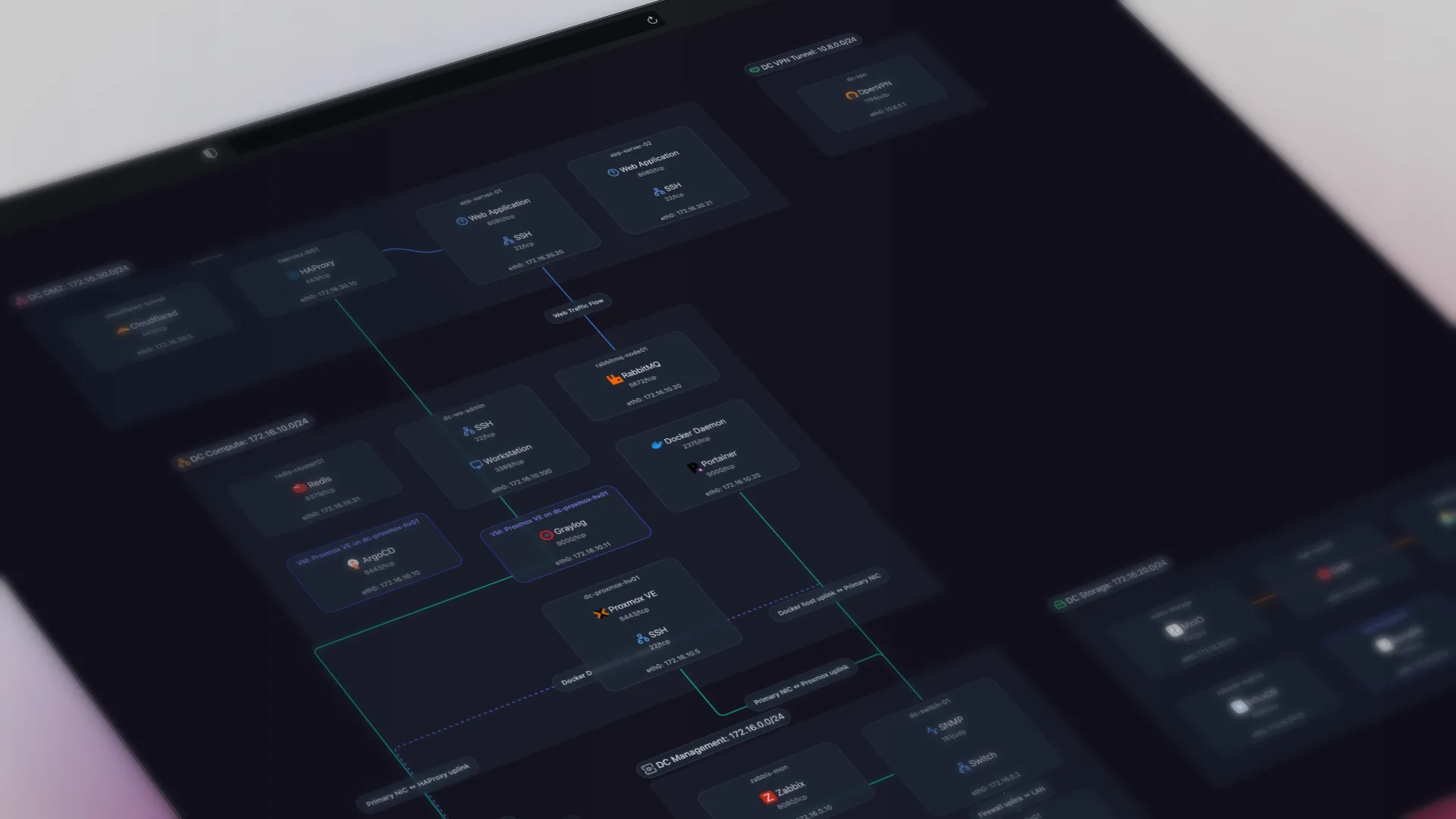
Scanopy is for IT teams and MSPs who want a dedicated network diagram automation tool which works alongside their existing monitoring platform. NetBrain is for large enterprises that need network maps integrated with automation and troubleshooting workflows. The table below puts the two side by side on discovery, the four topology views, pricing, and licensing, including NetBrain's trade-offs.
Scanopy vs NetBrain: head to head
| Scanopy | NetBrain | |
|---|---|---|
| DiscoveryProtocols used to find devices and map connections | SNMP LLDP CDP ARP TCP/UDP | SNMP CDP LLDP ARP SSH/CLI |
| ServicesNo No service awareness Basic Common port detection Yes Application-level fingerprinting | Yes240+ types | No |
| Network ViewsWhich topology views the tool produces from discovery. L2 Physical switch ports and links L3 Subnets, VLANs, routing Workload VM/container host nesting Application Service-dependency / app grouping Yes supported Tag ? unverified Greyed not supported | ||
| Live UpdatesWhether diagrams update automatically after the initial scan | Yes | Yes |
| Open SourceOSI OSI-approved open source license Source available Source code available, restricted license No Proprietary | OSI AGPL-3.0 | No |
| PricingStarting price or pricing model | Starts at $11.99 monthly, unlimited hosts | Enterprise (contact sales) |
| Also IncludesCapabilities beyond network diagramming | Docker Visualization | — |
How they compare
NetBrain and Scanopy answer different questions. NetBrain is an enterprise network-automation platform: its dynamic maps cover L2, L3, virtualization (ESXi/vSwitch/VM), and application-path mapping, and they tie into troubleshooting runbooks and automation playbooks, so a map can trigger actions, not just display data. It is built for large, complex networks with thousands of devices and a team to run it. Scanopy is a focused documentation tool: it discovers your network and produces four switchable views (L2, L3, workloads, applications) plus per-host service fingerprinting, and it stops there. No automation engine, no runbooks.
The trade-off is scope, price, and effort. NetBrain is enterprise-priced (contact-sales only) and complex enough that a proper proof-of-concept is essential. Community experiences are polarized: some teams get excellent results, others have struggled with map accuracy for years. Scanopy is flat monthly with unlimited hosts, self-hostable under a commercial license or free under AGPL-3.0, and runs from one daemon with no platform to administer. If you need maps wired into operational automation across a large enterprise, NetBrain is the category leader and Scanopy is not a substitute. If you want accurate, living, shareable network documentation without standing up an automation platform, Scanopy is simpler and far cheaper.
On view coverage alone, NetBrain is one of the few tools here that produces all four view types, so it matches Scanopy there. The difference is everything around the map, not the map itself.
When to choose which
Choose Scanopy when: You want simple documentation over enterprise automation: automatic L2, L3, workload, and application views, per-host service detection, flat pricing regardless of host count, and a free, self-hostable Community edition. It sits alongside your monitoring stack rather than replacing it.
Choose NetBrain when: Large, complex networks where diagrams aren't just documentation but part of the operational workflow. NetBrain handles networks with thousands of devices and integrates maps directly into troubleshooting runbooks and automation playbooks.
This is a focused, two-tool comparison.Weighing other options too? See the best NetBrain alternatives. For all 13 tools side by side, see the full comparison of automated network diagram tools.
Sources
Try Scanopy
Scanopy deploys a lightweight daemon that discovers your network and builds a live topology map. No per-device fees, unlimited hosts. It pairs with whatever monitoring tool you already use.
Started as a homelabber, now deep in SNMP MIBs, Layer 3 topology, and service fingerprinting - building the network documentation tool I wished existed.